
How Should a Workplace Be Designed for Hybrid Meetings?
Hybrid meetings bring together people in the workplace and other locations. The experience works best when everyone can see, hear, contribute and follow the conversation without remote participants feeling separate.
Technology is part of the answer, but it is not the whole answer. Room size, table shape, camera views, acoustics, lighting and meeting behaviour all affect whether the system can perform as intended.
Start With the Meetings People Actually Have
The design brief should begin with the organisation’s meeting patterns rather than a standard equipment list. A short project check-in, confidential client meeting, team workshop and company-wide presentation each require a different setting.
Useful information includes in-room and remote participant numbers, the content being shared and whether people need to write, present or move around. The team should also understand the platforms used and whether rooms must connect with client systems.
This information helps determine the mix of spaces required. A workplace may need small rooms for one or two people, medium rooms for regular team meetings and larger settings for workshops or presentations. Not every room needs the same level of technology, but each should have a clear purpose.
Starting with real meeting behaviour allows the fitout to support how teams already work while creating a consistent foundation for future use.
Choose the Right Room Size and Shape
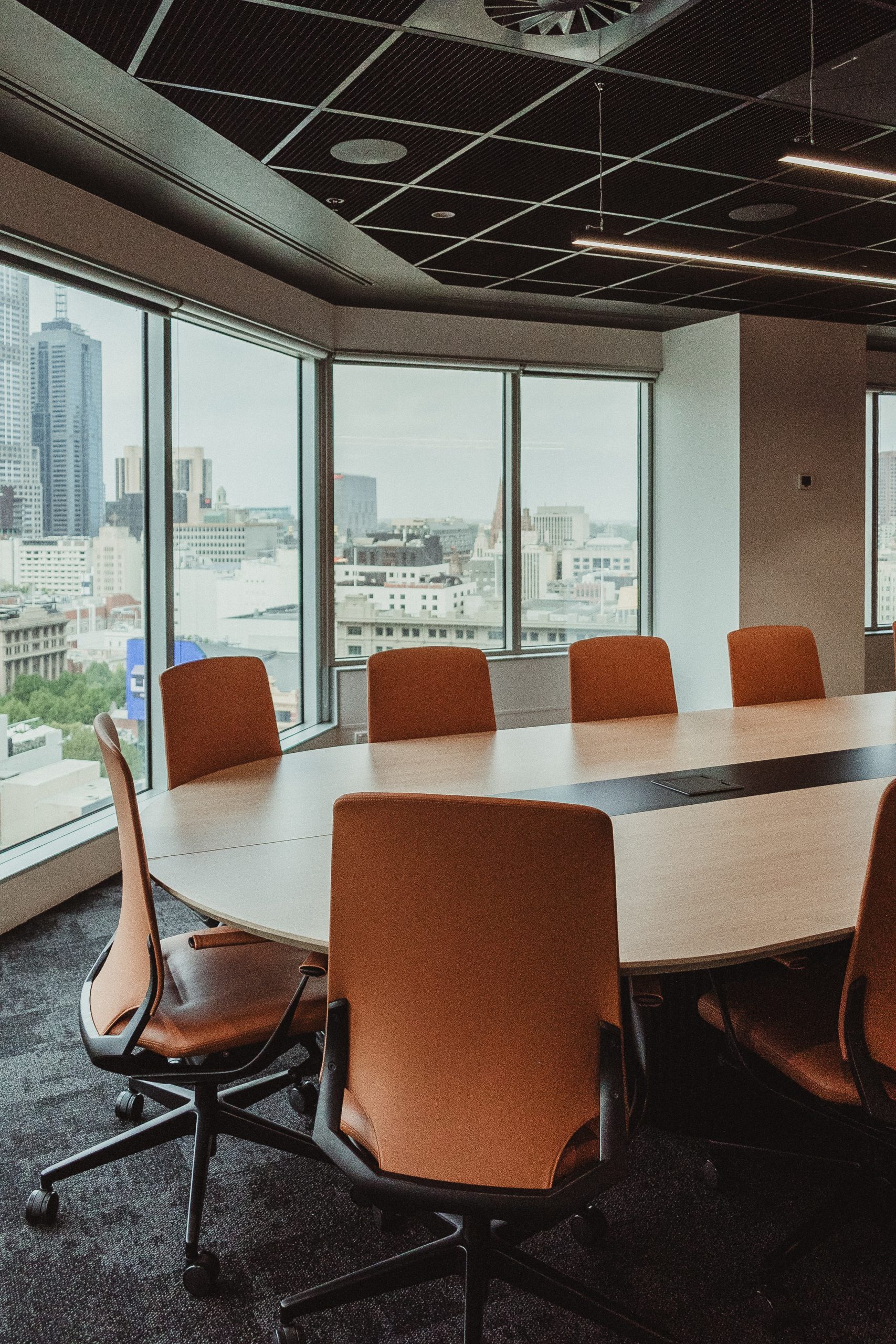
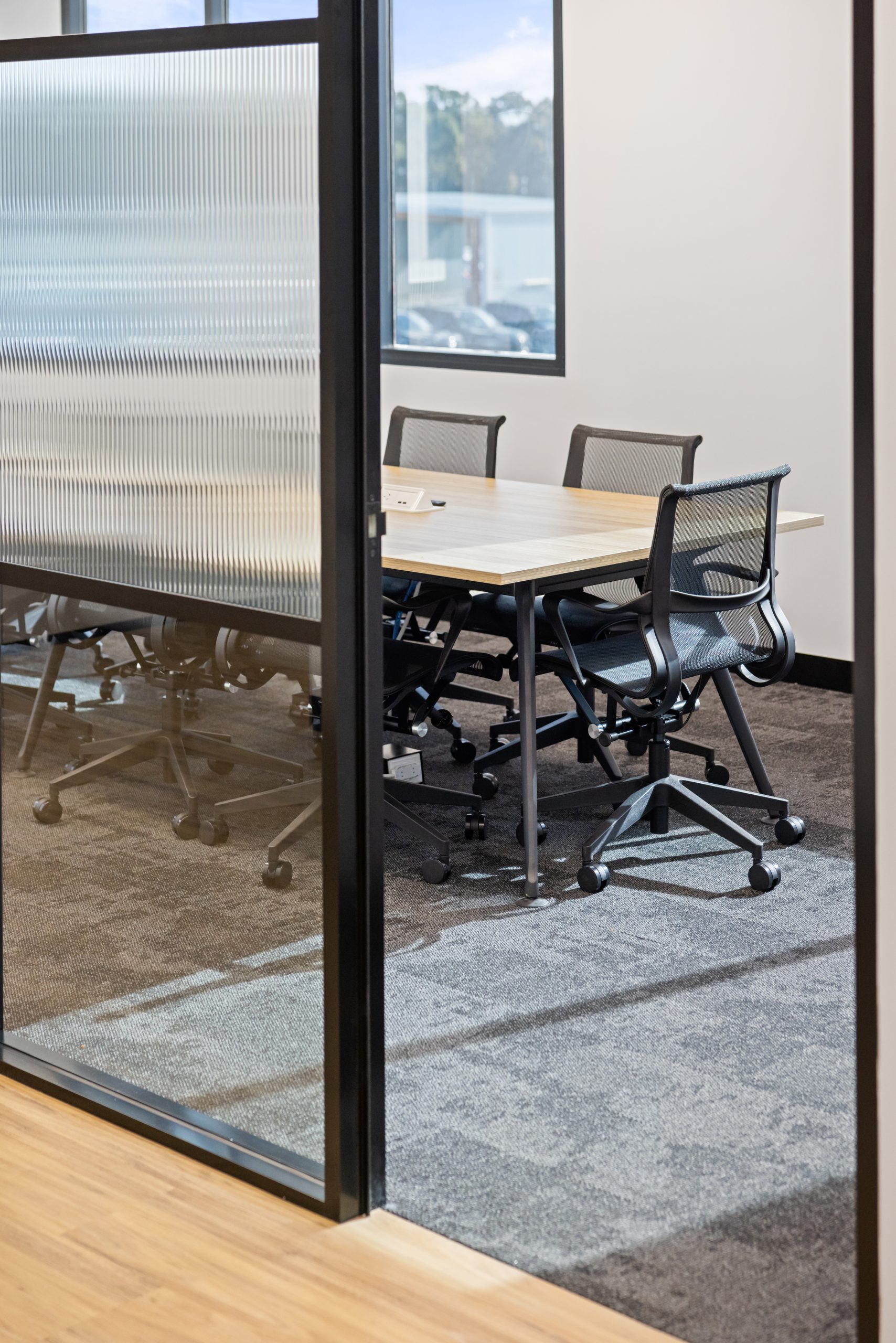
A room can accommodate the required chairs and still perform poorly. Table shape, participant positions and the relationship between camera and display influence how clearly people appear on screen.
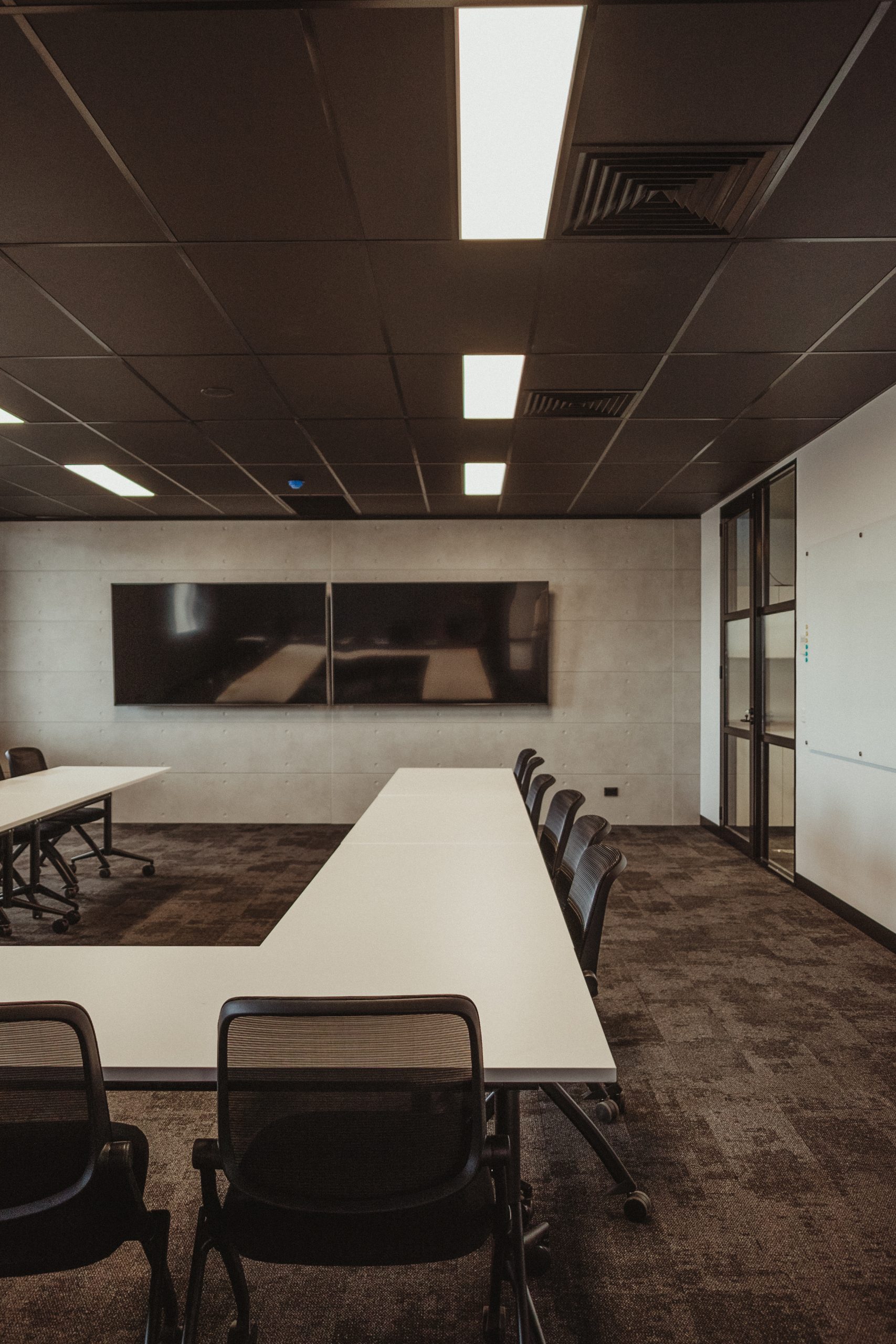
Long tables can place some participants far from the camera or hide them behind others. Wider or tapered layouts may give the camera a clearer view of faces, while smaller rooms can use furniture that keeps everyone within an appropriate frame.
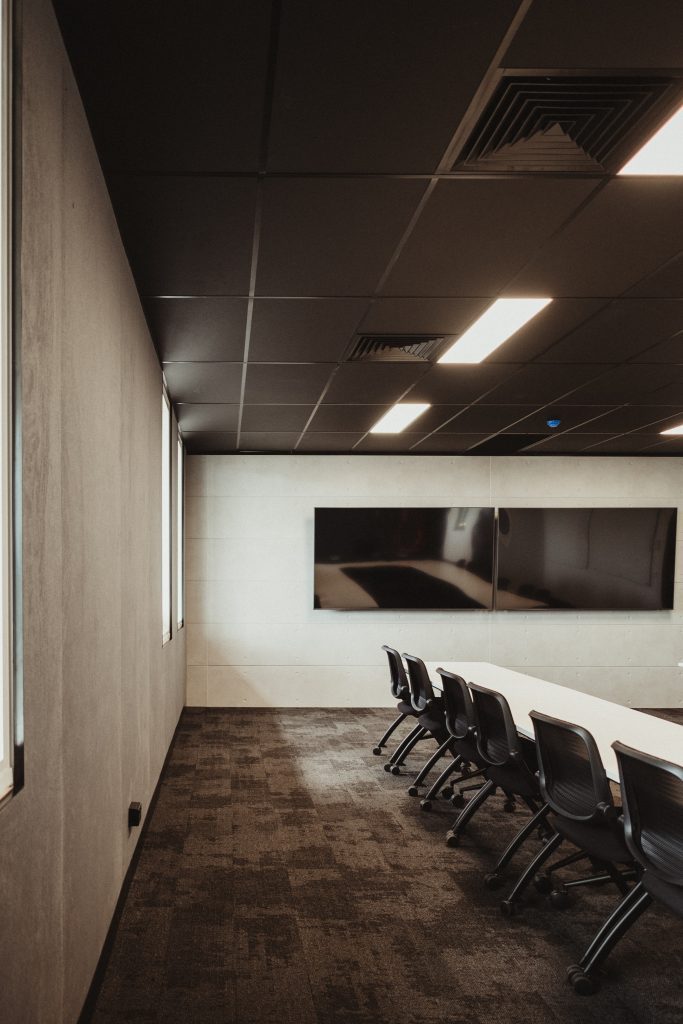
Participants should also be able to view remote attendees and shared content without repeatedly turning away from one another. Depending on the room and meeting type, separate displays for people and content may improve the experience. The wall, table and screen positions should be considered together from the beginning.
Circulation and accessibility remain important. Chairs should be movable without blocking doors, and people should be able to enter, leave and use the room comfortably while the meeting continues.
Give Everyone a Clear Place in the Conversation
Hybrid meetings can become uneven when the people in the room naturally speak to one another while remote participants become less visible. The spatial arrangement can help create a more balanced conversation.
Cameras should frame participants clearly rather than showing a large room with small faces at the far end. Microphone coverage should capture quieter voices throughout the table, and speakers should allow remote contributions to be heard without excessive volume.
The display should sit close enough to the camera to support natural eye contact. If a presenter stands or uses a whiteboard, the camera and microphones should support that movement, not only seated meetings.
Furniture can reinforce this balance. A layout that allows participants to face both one another and the screen gives remote colleagues a more visible place within the discussion.
Coordinate Acoustics, Lighting and Backgrounds
Clear communication depends on the room environment. Hard surfaces can create echoes that make speech difficult to understand, even when high-quality microphones are installed. Acoustic ceilings, wall treatments, flooring, furniture and door seals can all contribute to clearer sound.
Privacy should match the meeting type. Rooms used for confidential conversations need appropriate acoustic separation, while smaller open settings may suit brief calls where complete enclosure is not required.
Lighting should illuminate faces evenly without strong glare or shadow. Windows behind participants can make them difficult to see on camera, while reflective surfaces may create visual distractions. Blinds, lighting controls and thoughtful room orientation can help the space adapt throughout the day.
The camera background also forms part of the experience. A calm, intentional view can represent the organisation professionally without relying on a heavily branded feature wall. Storage, circulation and glazed areas should be positioned so movement outside the room does not constantly distract remote participants.
Make the Technology Consistent and Easy to Use
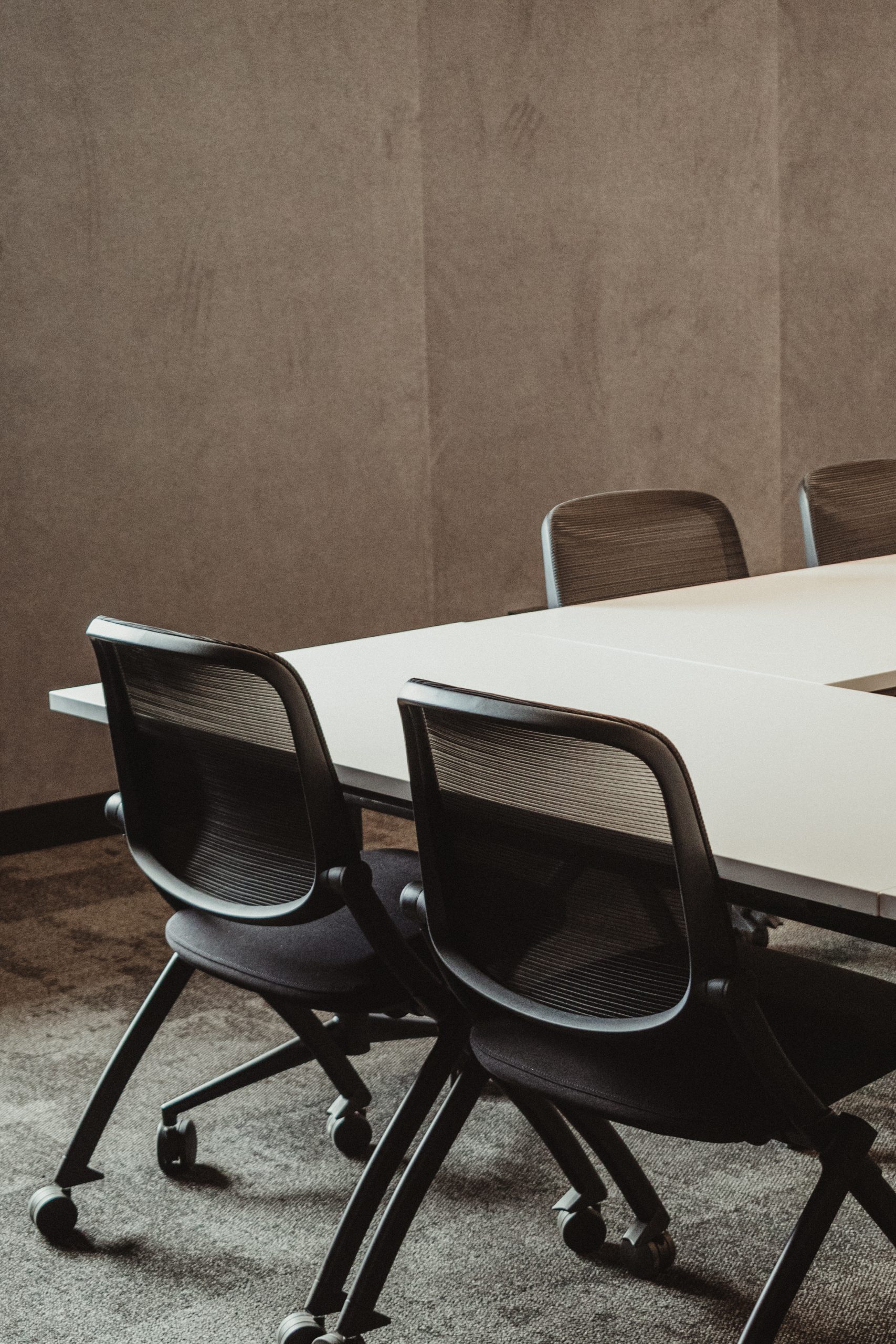
The most advanced system provides limited value if employees are unsure how to start a meeting. Controls should be simple, familiar and consistent across rooms wherever possible.
Employees should be able to join, share content and adjust settings without rebuilding the setup. Booking information can show capacity, available technology and the meeting type each space supports.
Power, data, displays, cameras, microphones, speakers and control panels need to be coordinated with furniture, joinery, ceilings and building services. Equipment should remain accessible for maintenance without dominating the interior design.
The fitout should also account for support. This may include clear instructions, staff training, remote assistance or a standard process for reporting problems. A consistent system across the workplace reduces the amount employees need to remember and helps meetings begin with less delay.
Provide More Than One Hybrid Setting
Hybrid work does not happen only in formal meeting rooms. Employees may join individual calls, hold quick project discussions, run training sessions or connect with colleagues from shared collaboration areas.
Phone rooms or small focus rooms can support individual video calls without occupying larger meeting spaces. Medium rooms may handle most team meetings, while adaptable project or training rooms can support larger interactive sessions.
Open collaboration areas can include screens and power, but their acoustic conditions and proximity to focused work should be considered. They may suit informal conversations better than confidential or presentation-led meetings.
A useful mix of settings reduces pressure on any one room type. It also allows employees to choose a space based on the conversation rather than simply taking the first room available.
Test the Complete Meeting Experience
Before handover, hybrid rooms should be tested through realistic meetings, reviewing camera framing, microphone coverage, speaker clarity, content sharing, controls and the remote experience.
Testing should include different group sizes and meeting formats. It can reveal whether a participant is hidden from view, daylight affects the camera, a microphone misses part of the table or the controls are unclear.
The workplace team can also establish simple meeting behaviours, such as ensuring remote participants are introduced, using shared digital content and avoiding side conversations that are difficult to follow online. Design and technology create the setting, while agreed behaviours help people use it well.
Workspace 360 brings workplace planning, interior design, services coordination and construction delivery together. By considering rooms, technology and users as one system, we can help create hybrid meeting environments that support clear and confident participation from every location.