
How Can a Workplace Support Onboarding Without a Dedicated Training Room?
Article Summary
- Plan onboarding as a journey through the workplace rather than an event contained within one room.
- Give meeting, collaboration and project spaces the furniture and technology needed to support learning when required.
- Use clear arrival points, wayfinding and visible workplace cues to help new employees build confidence independently.
- Keep role-specific learning close to the teams, tools and environments where the work actually happens.
- Provide accessible, quiet and private options so onboarding can adapt to different people, activities and learning needs.
A dedicated training room can be useful for organisations that regularly welcome large groups, but it is not the only way a workplace can support onboarding well.
Onboarding can involve introductions, systems training, safety information, practical demonstrations, team conversations and independent learning. These activities do not all need the same setting. Placing them throughout the workplace can help a new employee understand the business in context.
The opportunity is to make the right spaces, technology and information available at each stage without reserving floor area for a room that may sit empty between sessions.
Design the Journey, Not Only the Session
Onboarding begins before a new employee sits down for a presentation. They need to know where to arrive, who will meet them, how to enter the building and what will happen throughout the day.
Map the experience from the front door to the workstation, including arrival, team introductions, technology and access passes, a workplace tour, mandatory training and role-specific learning.
Match each activity to an appropriate setting. A welcome may happen in a lounge, systems training in a meeting room, a safety walk through the workplace and task-based learning beside a colleague.
This approach treats the workplace itself as part of the onboarding process. It also helps the business identify what the experience needs to achieve before deciding how much space to allocate to it.
Give Flexible Spaces a Training Mode
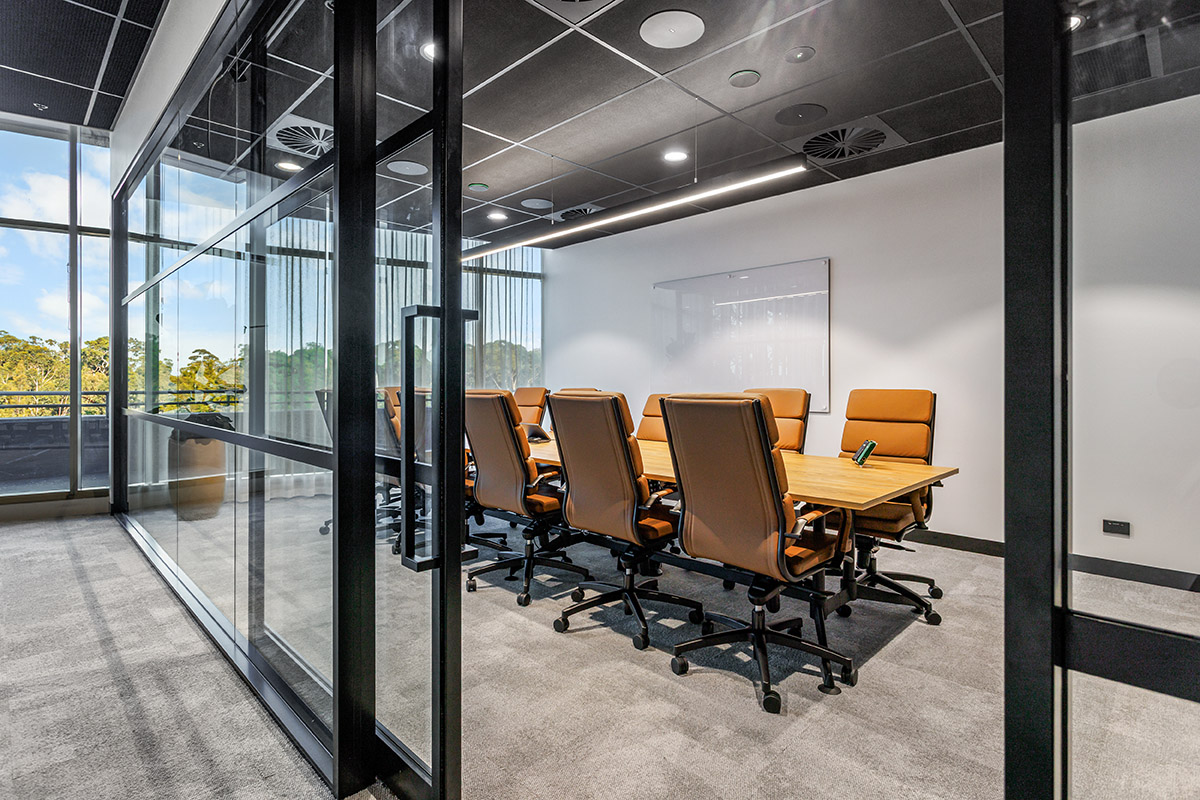
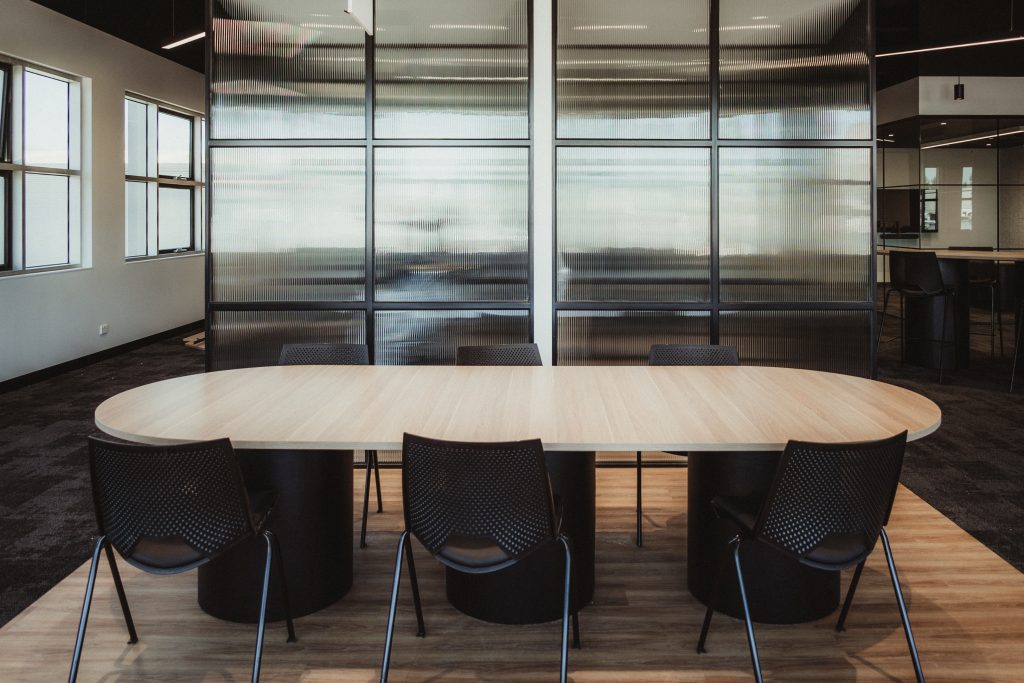
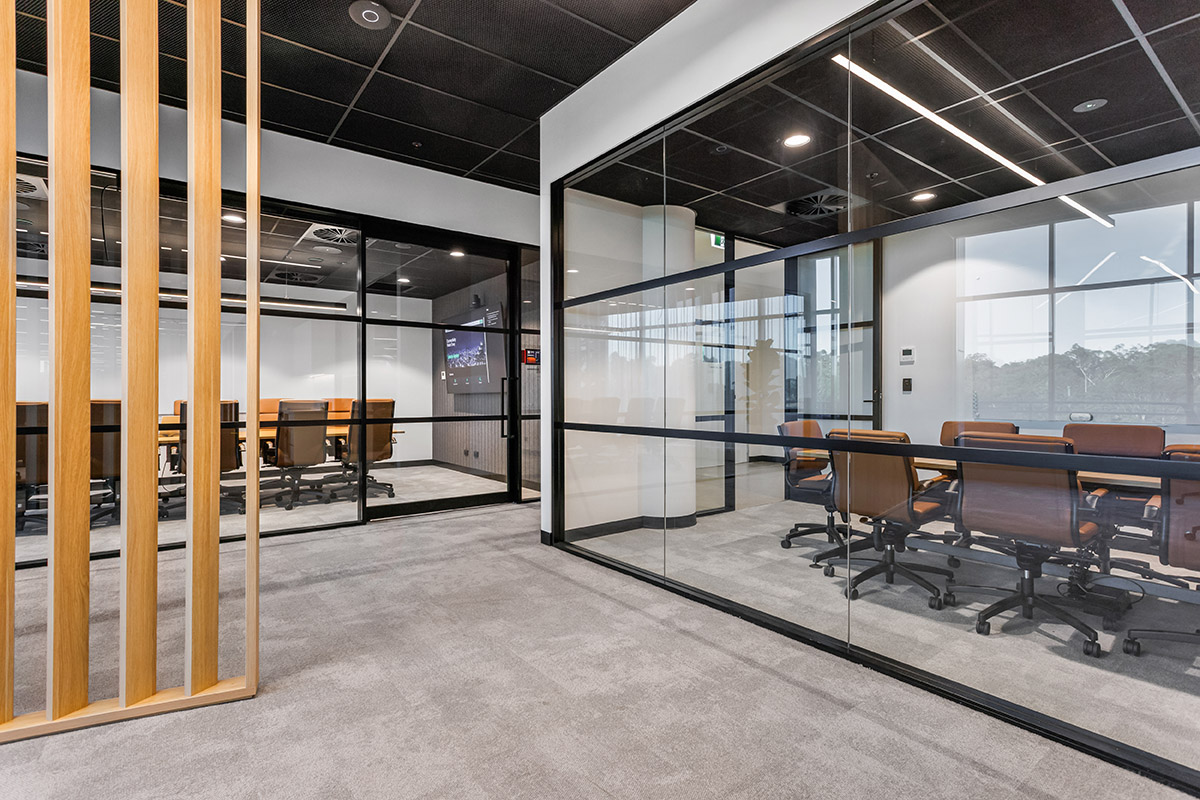
Meeting rooms, project rooms and collaboration areas can support onboarding when they are designed to change modes easily.
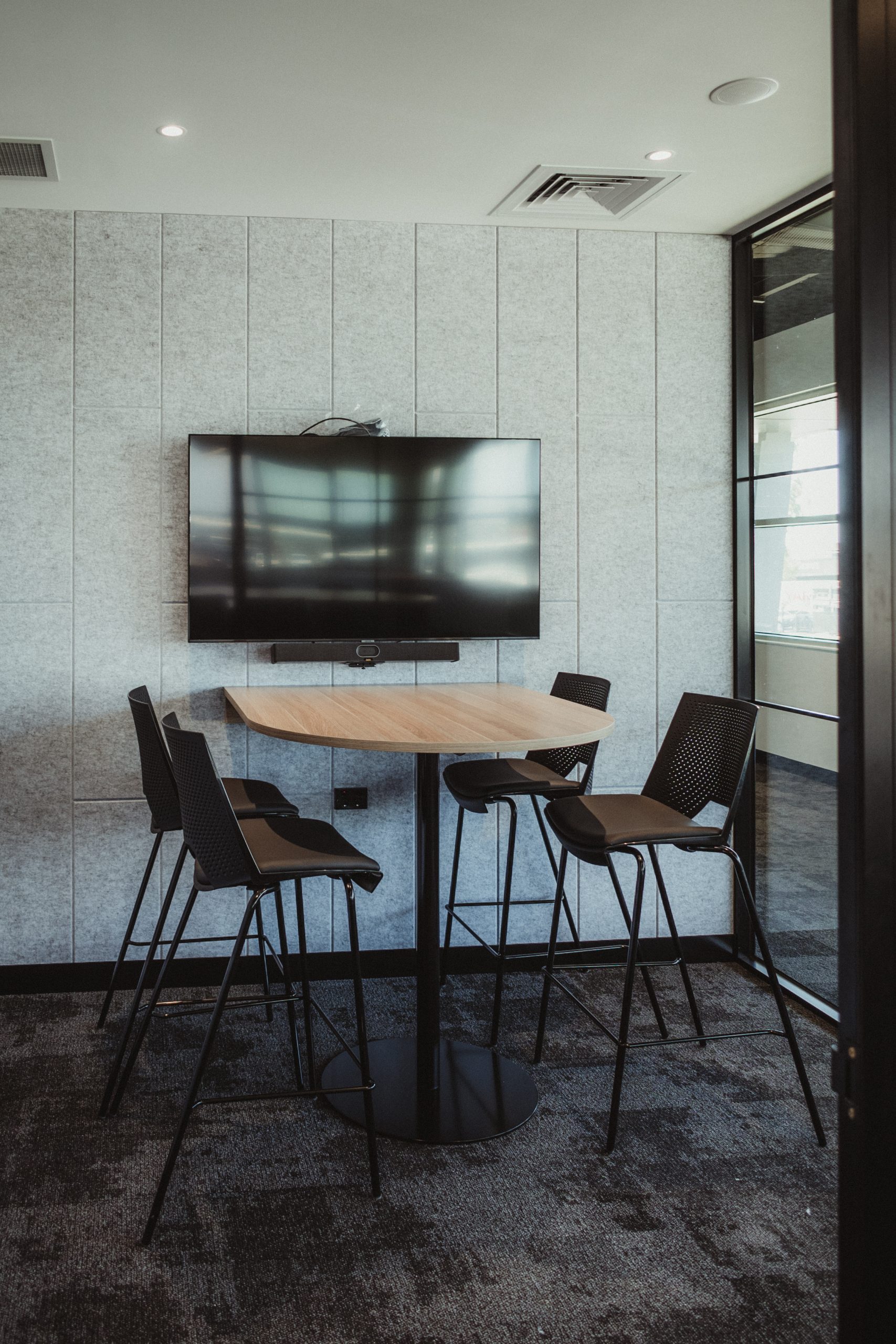
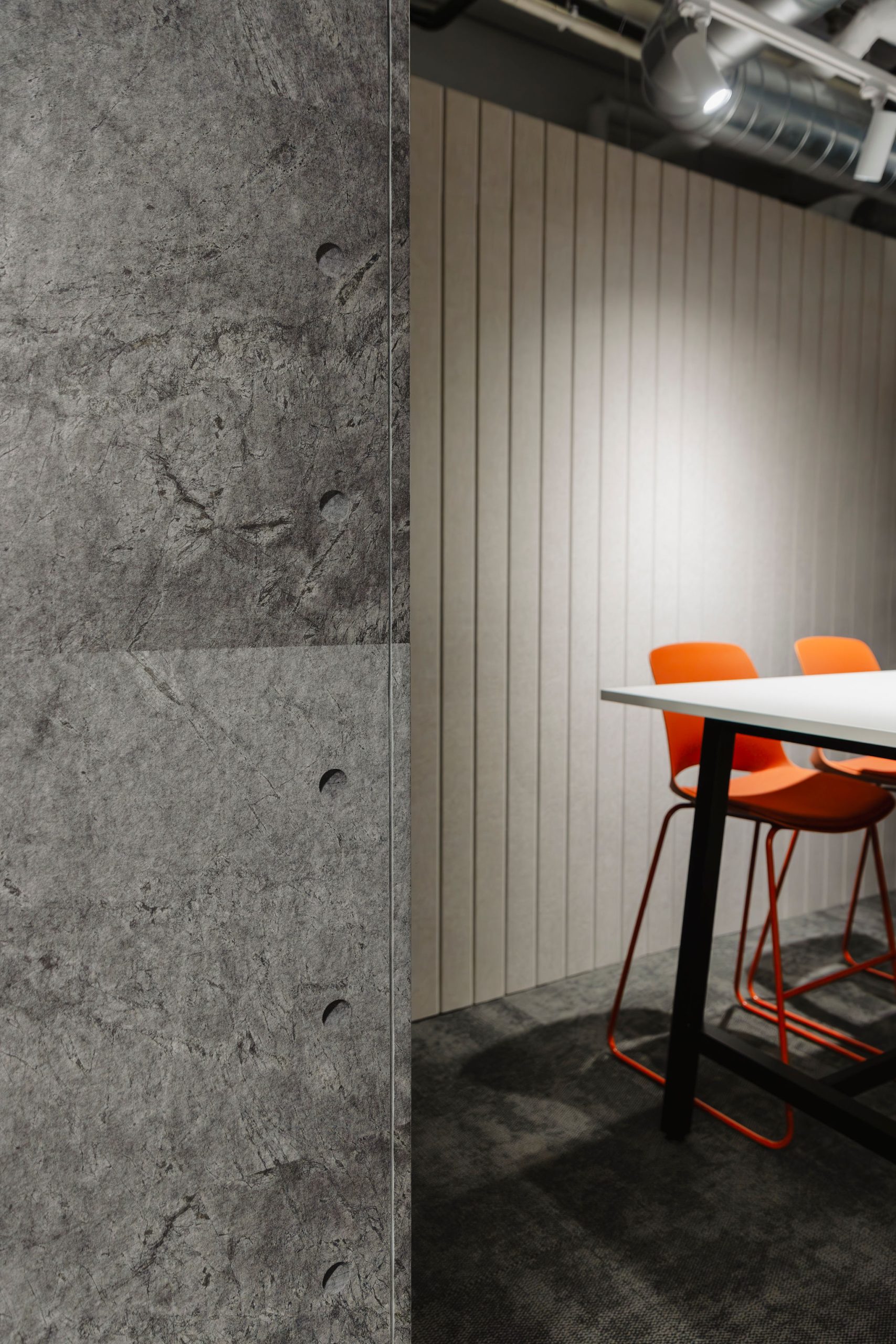
Movable tables can shift a room from a team meeting to a small training session. A visible screen, simple content sharing, accessible power and writable surfaces support demonstrations and online modules without permanent training infrastructure.
Furniture should suit the session length, while the room allows a facilitator to move, assist participants and see whether everyone is following. Acoustic separation may be important for detailed or confidential topics.
If a space supports induction, it needs to be available when new starters arrive. A recurring booking, priority category or onboarding calendar can make flexible use reliable.
Make the First Day Easy to Navigate
A new employee sees the workplace differently. Unclear entries, identical corridors and hidden facilities can add uncertainty during an information-heavy experience.
The arrival point should be easy to recognise, even without a continuously staffed reception. Signage, a visitor system, a visible waiting area and simple instructions can clarify what happens next.
Consistent room names, readable signs and recognisable landmarks support independent navigation. New employees should be able to locate amenities, meeting spaces, shared equipment, emergency exits and key people without repeatedly asking for directions.
Wayfinding can also explain how the workplace operates. Storage labels, booking displays, team neighbourhoods and visible resource points reduce the number of small processes that need to be remembered on the first day.
Bring Learning Closer to the Work
Some of the most useful onboarding happens within the team. Sitting near colleagues shows a new employee how the business communicates, finds information and makes everyday decisions.
Role-specific learning can be more meaningful beside the relevant equipment or systems. An office employee may learn software at their workstation, while operational employees may need demonstrations within work zones where safe procedures can be explained in context.
Structured induction remains important for workplace safety, emergency procedures and task-specific requirements. Locating some learning near the work connects formal information with the relevant place, people and activities.
Nearby huddle spaces are valuable for questions, short demonstrations and manager check-ins. They give the team somewhere to step aside without moving every conversation into a formal meeting room.
Make Technology Available Wherever Learning Happens
If onboarding moves between spaces, the technology should move with it or be consistently available throughout the workplace.
New employees may view presentations, complete online modules, join remote introductions or practise business systems. Consider screens, reliable connectivity, cameras, microphones, charging and simple content sharing across the relevant spaces.
Consistent interfaces and clear instructions help managers lead onboarding without losing time to different meeting-room systems or needing technical support for every session.
Portable screens or mobile whiteboards add flexibility where permanent equipment is not justified. Coordinate devices, access and logins before arrival so setup does not become the first day’s main activity.
Provide Choice for Privacy, Focus and Accessibility
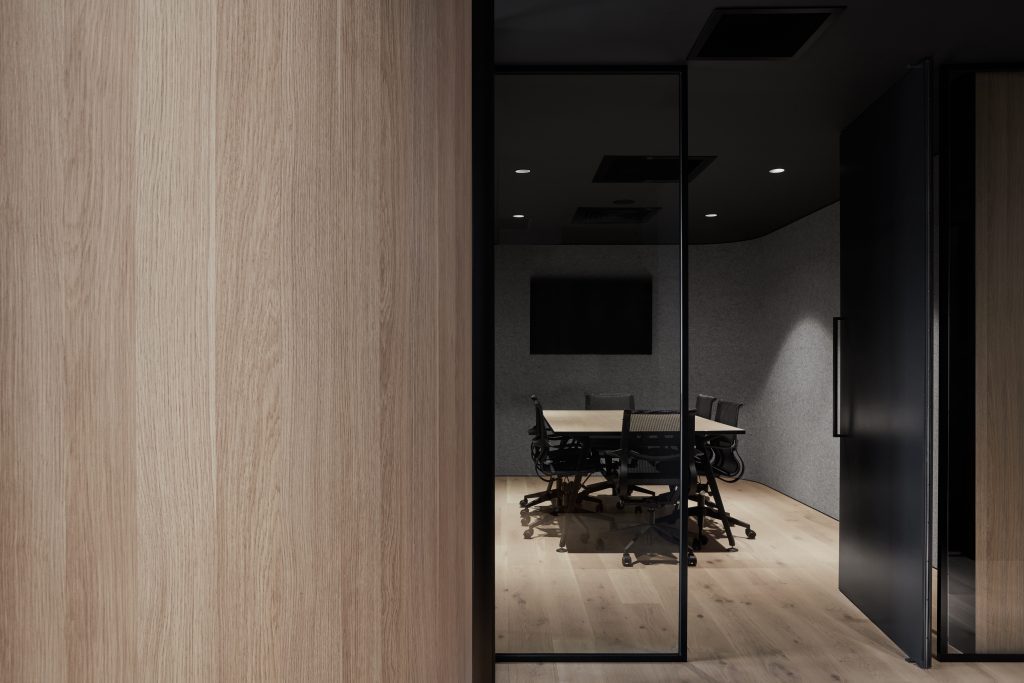
Not every part of onboarding belongs in an open collaboration area. Employment discussions, personal adjustments, feedback and some compliance topics may require an enclosed room. Independent learning may also be easier in a quiet setting away from everyday activity.
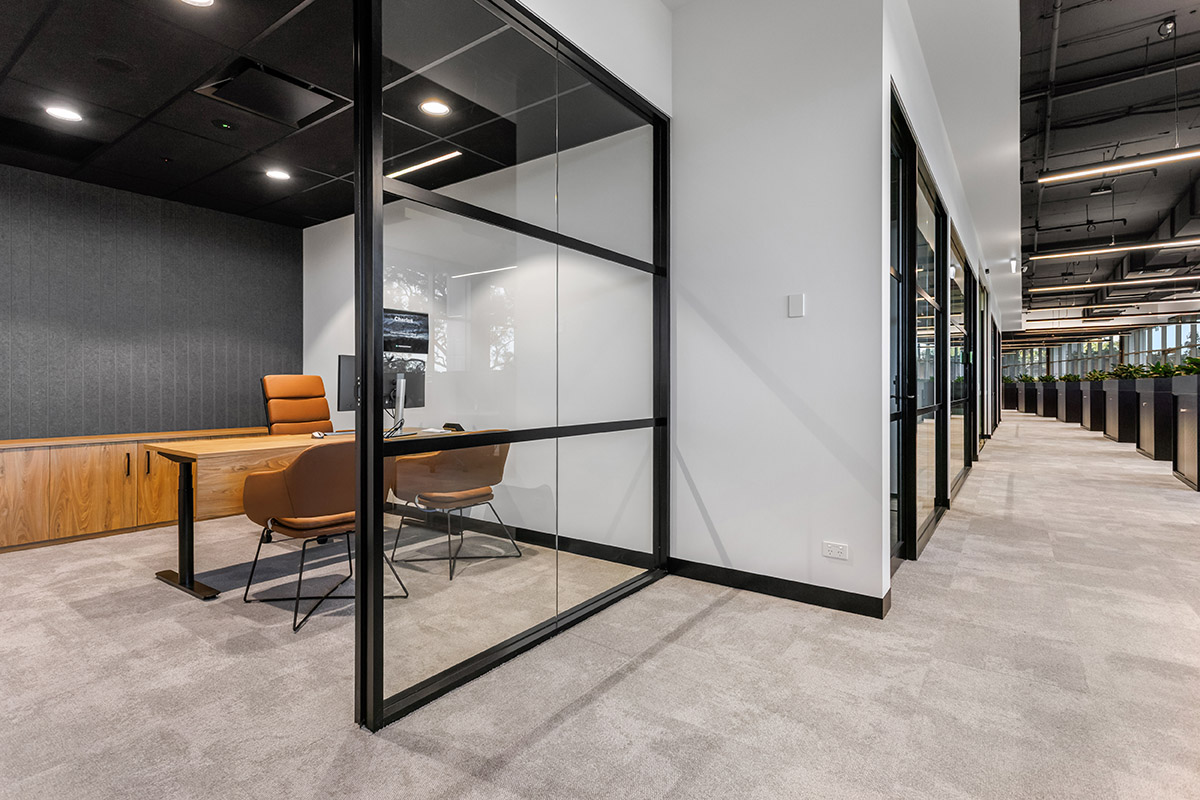
A workplace can provide this choice through small meeting rooms, focus rooms or bookable enclosed spaces. They need to be available, comfortable and appropriate for the conversation.
Onboarding should respond to different accessibility and learning needs. Step-free routes, clear pathways, accessible amenities, readable signage, suitable workstations and easy-to-use technology support independent participation. Some employees may benefit from reduced sensory distraction or information in more than one format.
Discuss these needs before the first day so adjustments, equipment or alternative learning arrangements can be ready.
Test the Experience From a New Starter's Perspective
Before relying on the workplace to support onboarding, walk through the experience as someone who has never visited before.
Can they find the entrance and know where to wait? Is there a suitable place for the first conversation? Can a small group see and hear training content? Can the workplace tour and practical demonstrations happen without disrupting surrounding teams?
Test technology, room bookings, access passes, workstation setup and the physical route. Consider several employees beginning together, a remote facilitator or the preferred room being unavailable.
A dedicated room may not be necessary when the wider workplace supports learning, connection and confidence. Flexible settings can use floor area efficiently while giving each activity a relevant place to happen.
Workspace 360 brings workplace strategy, space planning, interior design, technology coordination and construction delivery together. By considering onboarding during the fitout process, we can help create workplaces that welcome new employees and support them as they learn how the business works.