
Can Visitors and New Employees Navigate Your Workplace Without Assistance?
A workplace that feels obvious to regular employees can still be difficult for someone arriving for the first time.
Visitors may need to find reception, a meeting room and the amenities within a short visit. New employees need to understand where teams sit, how rooms are named and how to move through shared and secure areas.
If every journey depends on directions, the layout and wayfinding are not communicating enough.
Good navigation does not remove the value of a welcoming host or a thoughtful induction. It gives people enough confidence to move independently once that first introduction is complete.
Experience the Workplace as a First-Time User
Regular users stop noticing many of the decisions an unfamiliar person must make. They know which lift opens near reception, where the kitchen sits and how creative meeting-room names relate to the floorplan. A new arrival has none of those reference points.
The design process should follow different first-time journeys. A client attending one meeting has different needs from a contractor arriving for an induction or an employee navigating the office throughout their first week.
Where must each person choose a direction? What information is visible at that point? Are visitor and restricted areas easy to distinguish? Can someone return to reception without remembering a long sequence of turns?
Seeing the workplace through an unfamiliar user’s eyes reveals where it needs to communicate more clearly.
Begin Wayfinding Before the Front Door
Navigation begins before someone enters the tenancy.
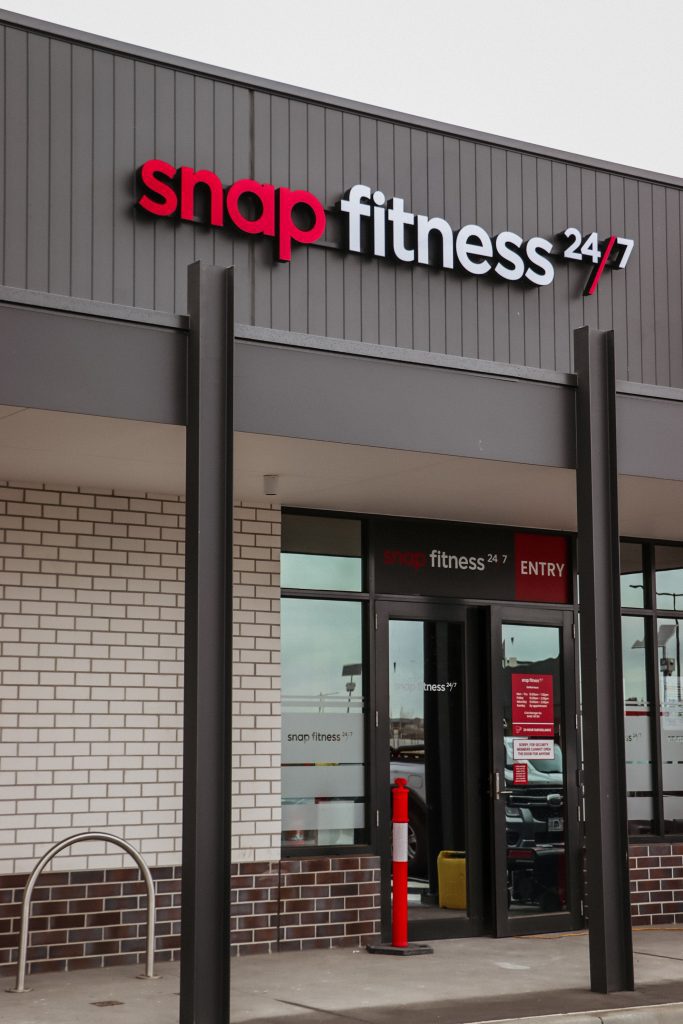
Arrival information may explain the building entrance, visitor parking, lift or floor and check-in process. Instructions sent with a calendar invitation should use the same language that appears on site.
Inside, building directories, lift identification, tenancy signage and reception positioning should create a visible and consistent route.
The front door should lead to a clear next step, such as staffed reception, digital sign-in or an obvious waiting area with a way to contact the host. People should not cross work areas simply to announce their arrival.
When digital instructions and the physical environment agree, visitors can arrive confidently and employees spend less time giving last-minute directions.
Make the Layout Easy to Read
The floorplan itself is the first layer of wayfinding.
Clear circulation shows people where they can move. Sightlines to meeting rooms, kitchens and amenities reduce reliance on signs, while logical adjacencies make the workplace easier to remember.
Visitor-facing rooms can sit near reception, limiting the choices a guest must make. Team areas may surround recognisable shared zones, with secure functions positioned deeper within the floor.
Changes in light, material, furniture or ceiling treatment can help distinguish zones within repeated workstation areas or corridors with similar doors.
The clearest route should also be accessible, with doors, thresholds, circulation space and controls considered as one journey.
A legible floorplan helps people build a mental picture instead of memorising instructions.
Place Information at the Point of Decision
More signs do not automatically create better navigation.
Wayfinding is most useful where someone needs to choose a direction, confirm a destination or understand whether they can proceed. Information placed after a missed turn is too late.
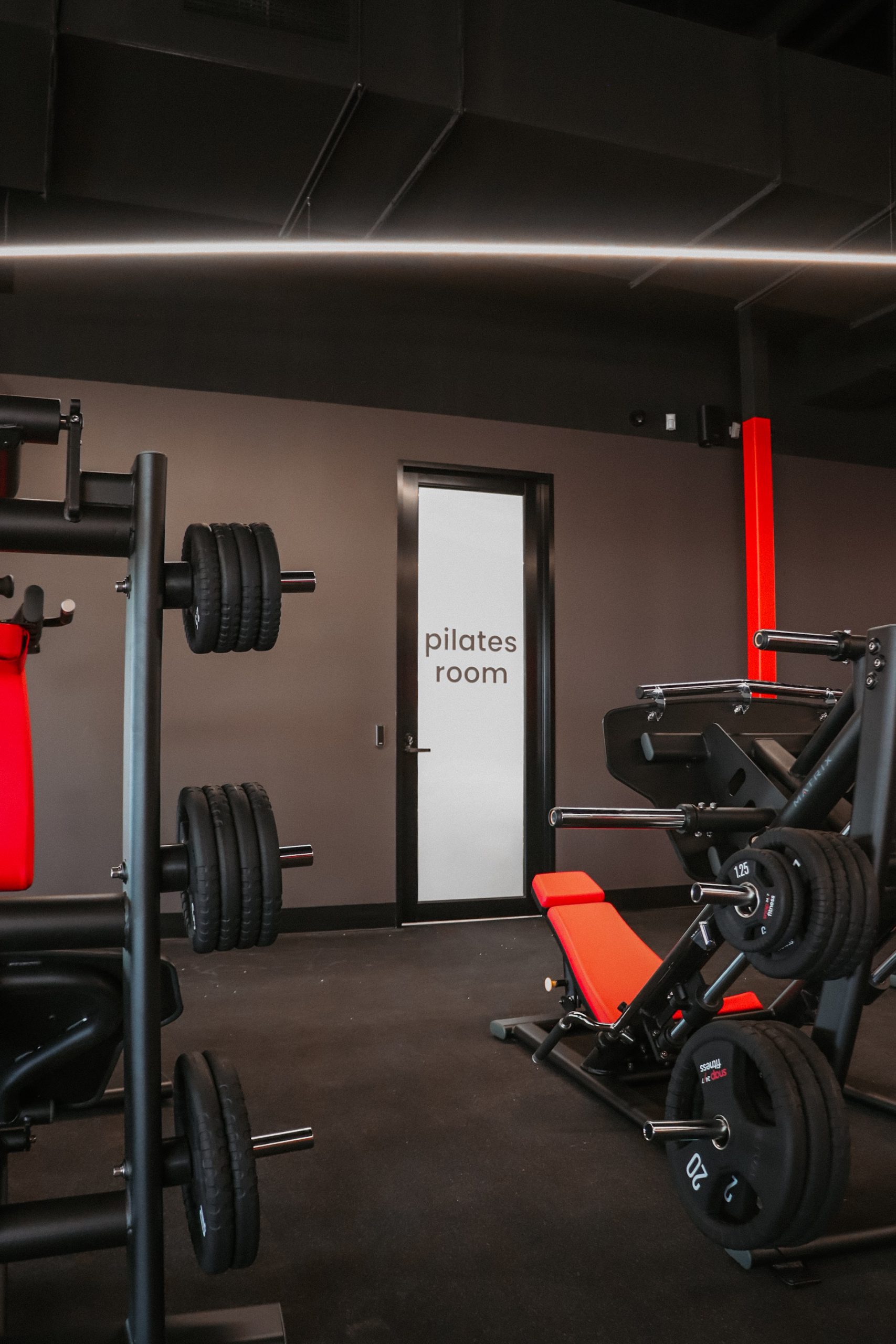
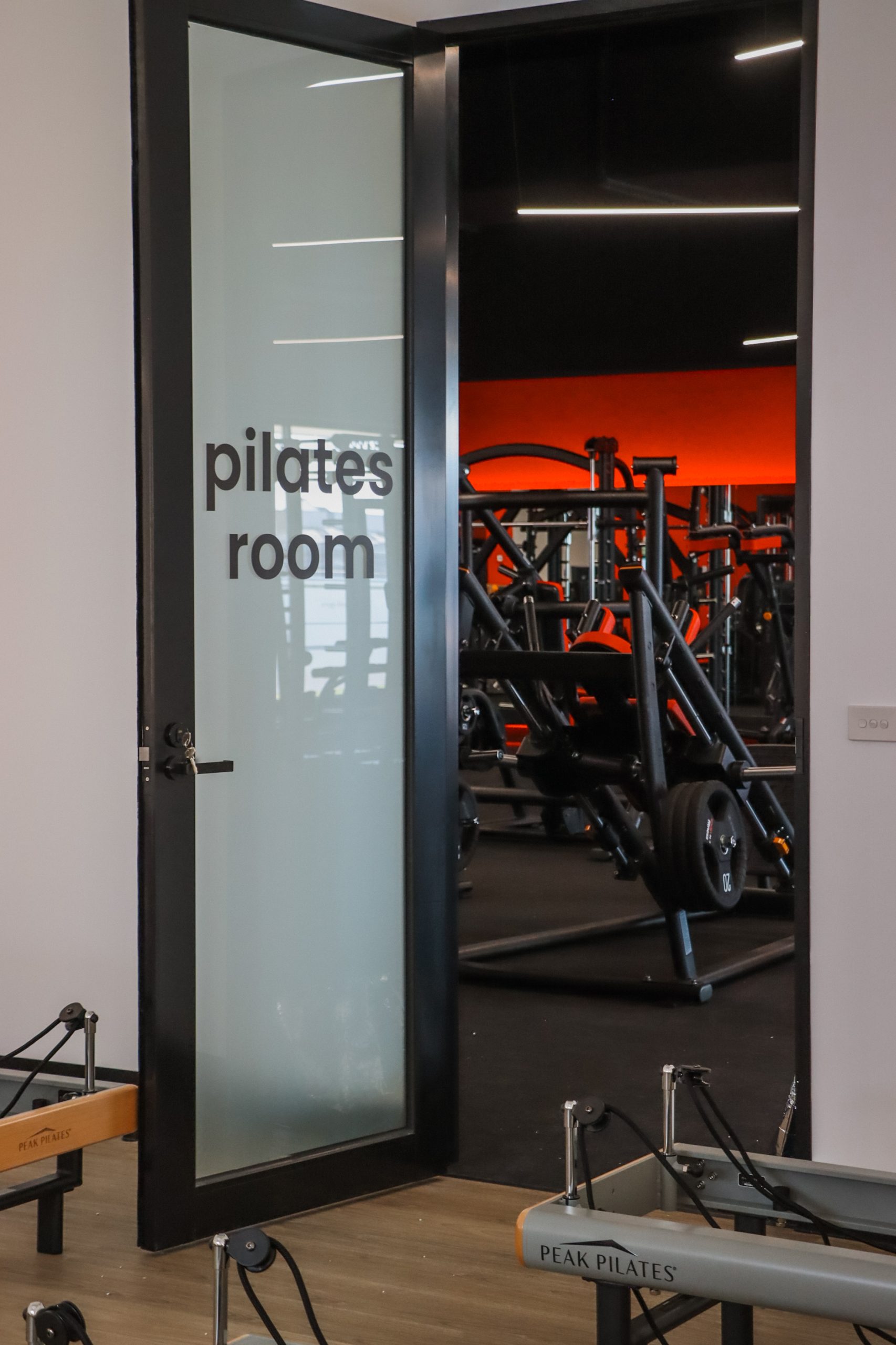
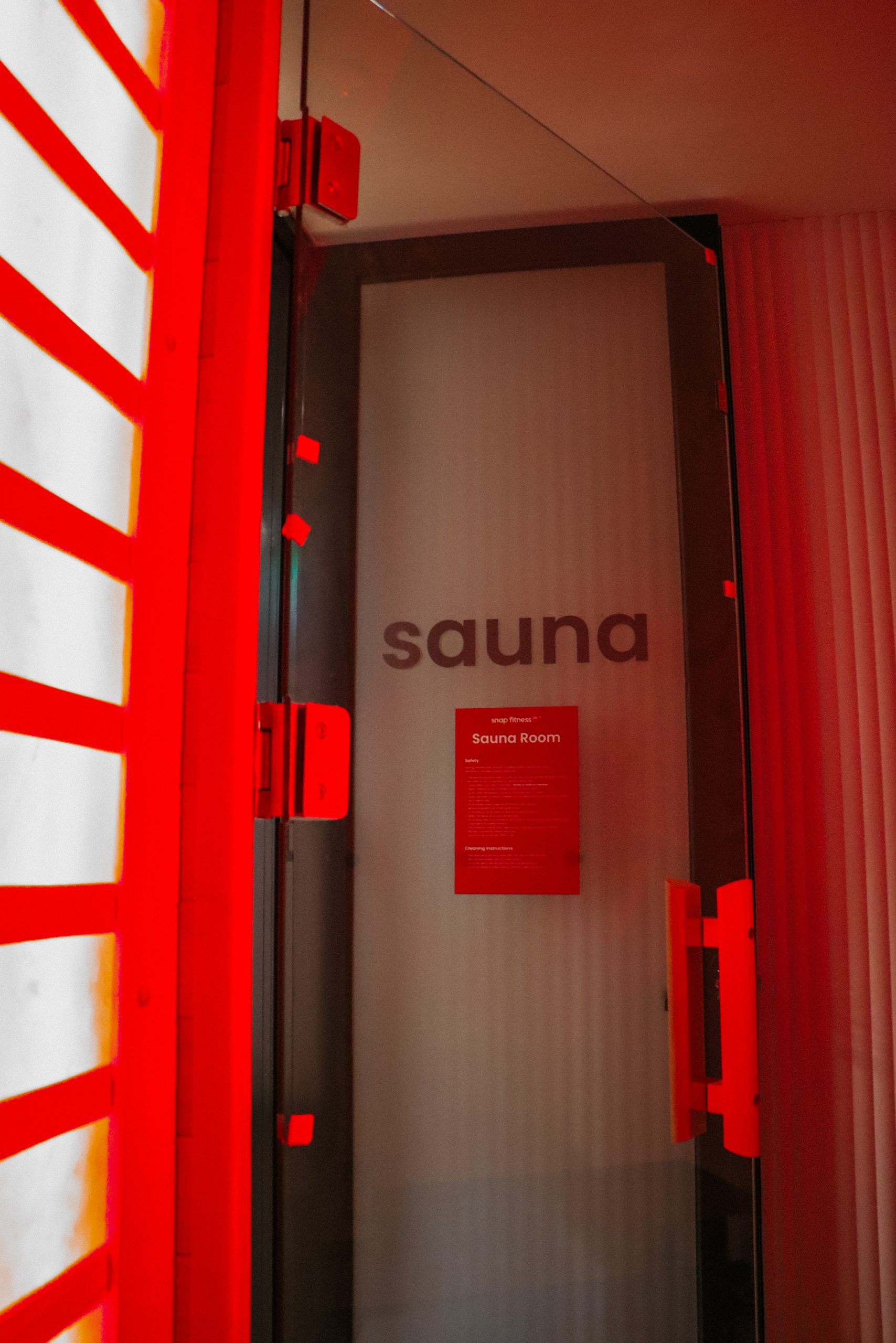
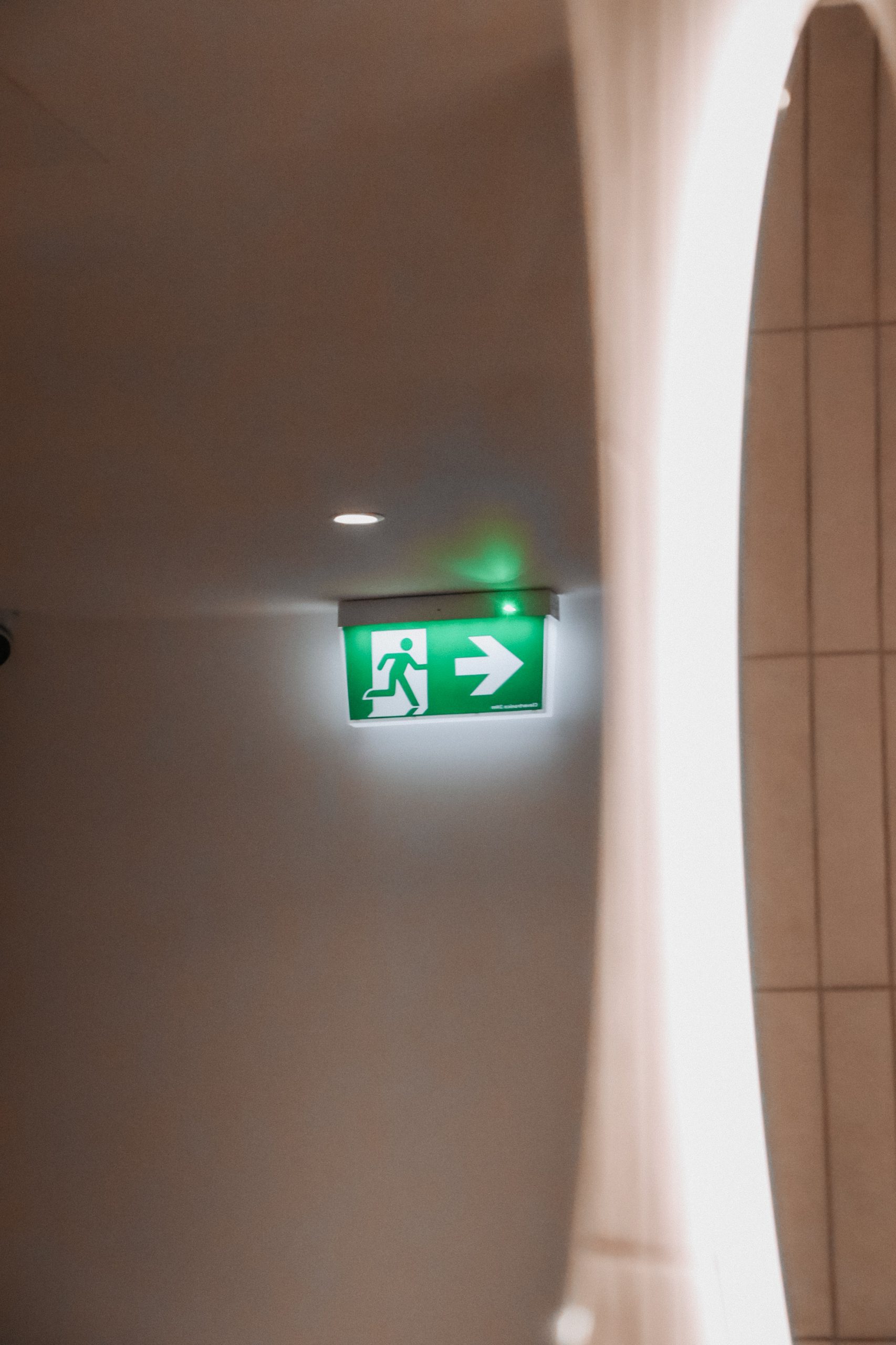
Room identification should be visible from the approach. Directional signs can support major destinations, while smaller labels identify rooms, team areas, lockers and amenities.
Text should be readable, with clear contrast and familiar symbols where appropriate. Consistent sign positions tell people where to look. Colour can reinforce the system but should not carry the entire message.
A long list of rooms may be harder to use than a clear direction to a zone followed by specific guidance on arrival.
Effective signage supports the layout rather than trying to correct an environment that is difficult to understand.
Use Names and Landmarks Consistently
Room names can help people remember a workplace, but only when the naming system makes sense.
Creative names may express the brand but can be difficult to locate without a connection to the room’s position. Combining a name with a number, zone or floor reference makes the system easier to learn.
The same name should appear in calendars, booking platforms, door signs and internal communications. Consistency matters when people have only a few minutes between meetings.
Artwork, planting, feature lighting, material changes or shared spaces can give each area a recognisable identity. Someone may remember a room beside the green collaboration area more easily than a sequence of turns.
Landmarks should be stable and distinct enough to describe clearly. Together, consistent names and visual cues make the workplace easier to learn.
Coordinate Navigation With Access and Security
A workplace needs to guide people clearly while maintaining appropriate control over where they can go.
Visitor passes, secure doors, lifts and reception procedures should align with the expected guest journey. If visitors must pass an employee-only door, the hosting process needs to account for that movement.
New employees need clarity around access permissions. A door on the main route may require a pass, while another area may be restricted. Visual cues and induction information can reduce uncertainty.
Digital sign-in, room displays and workplace apps should use the same terminology as physical signs. A clear alternative should remain available when someone cannot use the digital tool.
Security works best when it feels coordinated rather than becoming a series of unexpected barriers.
New employees also need to understand how the workplace is used. An induction can explain team locations, quiet areas, booking processes and shared facilities, supported by a simple map or digital guide. A visible waiting area, recognisable help point and clear room availability indicators reinforce that information.
When layout, technology and workplace procedures communicate the same message, people become confident users of the space more quickly.
Test the Workplace With Someone Unfamiliar
The most useful wayfinding test is to involve someone who does not already know the answer.
Before handover, a first-time user can be asked to find reception, a meeting room, the kitchen and an amenity without coaching. Their pauses and questions reveal what remains unclear.
Wayfinding should also be reviewed after occupation. Team moves, renamed rooms, security changes and relocated furniture can weaken the original system. Digital platforms and physical labels may also drift apart.
Feedback from visitors, new employees, reception and facilities teams can show which destinations continue to generate questions.
At Workspace 360, our integrated approach connects space planning, workplace experience, signage, technology coordination and construction. By considering how unfamiliar people will read the space, we help clients create workplaces that feel clear, welcoming and easy to use from the first visit.
Planning a new workplace or refurbishment? Speak with Workspace 360 about creating an environment that helps people find their way with confidence.